
Free Quizlet Alternatives: What Each One Locks
By Mark Fulton · · 13 min read
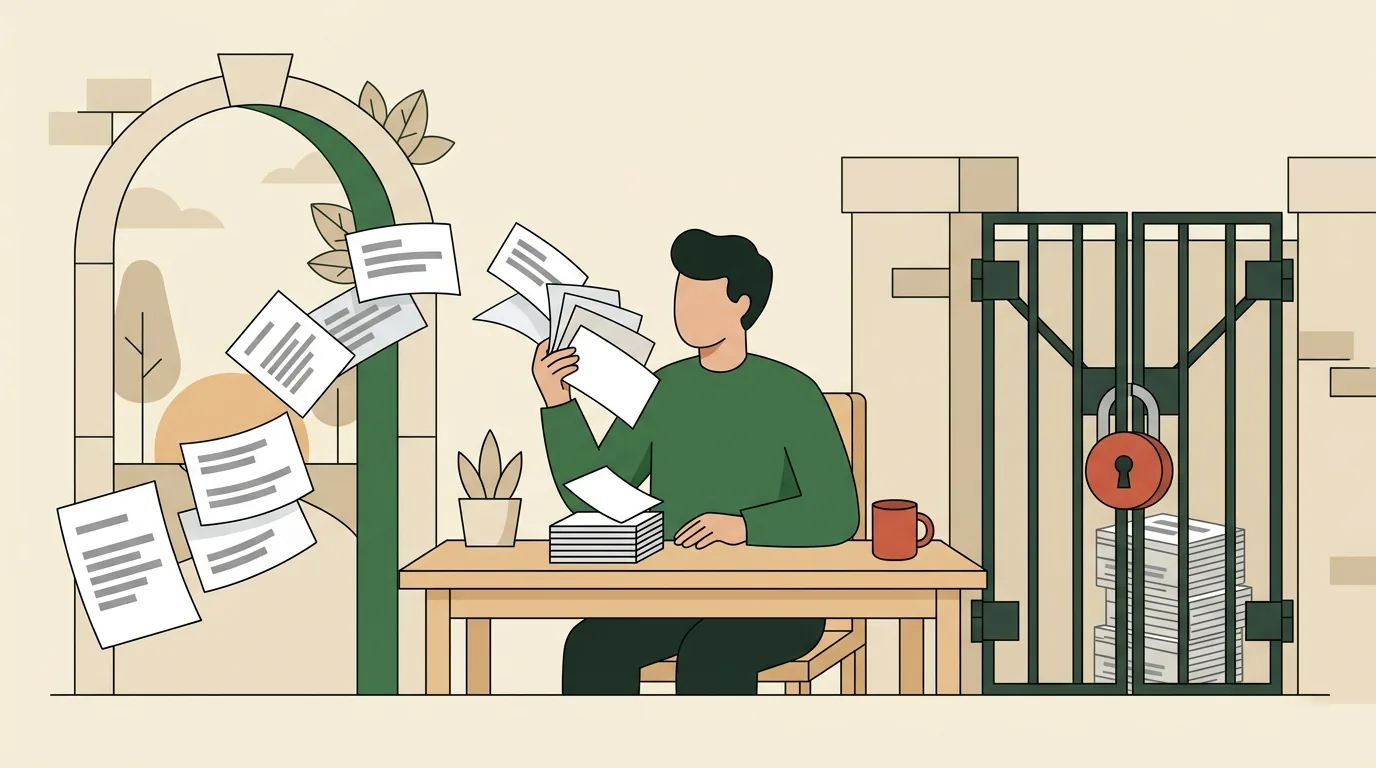
"Free" is doing two different jobs in this search, and telling them apart saves you an hour. Free-as-in-no-payment is common: Anki, Knowt, Brainscape, RemNote and Flashcards World all have a permanent no-cost tier. Free-as-in-no-account is rare. Only three tools below let you study a card without creating anything: Anki on the desktop, Flashcards World on the web, and QuestionCard, which is ours. Everything else asks for an email before the first card flips, and the free tier you land on afterwards is usually capped in a way the signup page does not mention. The table further down is the version of this I would have wanted: every price and every limit checked against the tool's own pricing page this month, ours included, with its real caps written out rather than skipped.
That last part matters more than it should. Published roundups of this exact question quote Brainscape at anywhere from $7.99 to $19.99 a month. Brainscape's own pricing page says $7.99. They quote Knowt at $5 to $10 a month; Knowt's plans page says $12.49 a month if you pay $149.99 up front, or $24.99 month to month. When a price is off by double in the write-up, the free-tier limits in the same write-up are worth nothing. So everything here is dated, sourced from the vendor, and marked unverified where I could not confirm it.
What did Quizlet actually put behind a paywall?
Here is the one thing in this piece I will not state as fact: the exact shape of Quizlet's current free tier.
Quizlet does not publish its plan limits anywhere I can read from outside a logged-in session, and the roundups quoting those limits contradict each other badly enough that repeating them would be guessing. What is checkable is the storefront. As of August 2026, the US App Store listing for the Quizlet app shows in-app purchases named Quizlet Plus at $9.99 and at $44.99, Quizlet Teacher at $35.99, and Quizlet Go at $44.99. The listing does not print billing periods next to those figures, so I am not going to tell you which is monthly and which is annual.
What I can say is structural, and it is why you are reading this at all. Quizlet's study modes are the product, and the ones people miss when they leave are the modes that adapt: the round-based learn flow and the practice test generator. When those move behind a subscription, the sets you already wrote are still there and still yours to read, but the thing you actually used them for has a price on it. That is the switching trigger for most people, not the ads.
The good news is that the mechanic underneath those modes is not proprietary. Recalling an answer from memory before you check it is the whole engine, and Carnegie Mellon's Eberly Center has a plain summary of why it works: retrieval strengthens memory in a way rereading does not, and even a failed retrieval attempt beats passive review as long as you see the right answer afterwards. Any tool that shows you a question, waits, and then shows you the answer is running that engine. Most of what a subscription buys on top is scheduling and reporting.
Which alternatives let you study without making an account?
Three, out of everything I checked.
Anki. The desktop app for Windows, macOS and Linux is free, and AnkiDroid on Android is free. Nothing about running it locally requires an account. AnkiWeb, the sync service, is free and optional, and you only need it if you want your cards on more than one device. The iPhone and iPad app, AnkiMobile, is a one-time $24.99 purchase on the US App Store, which funds development for everyone else.
Flashcards World. Its own site answers the question directly: you can create cards and study without an account, and signing in, which is free, adds cross-device sync and the ability to publish public sets. The web version is free with unlimited cards, spaced repetition and no ads.
QuestionCard. Ours. Open a deck, cards flip, no account, no email. I will hold our own limits up to the same light in a moment.
Two near-misses are worth naming, because "no account" is not quite binary. Knowt's public flashcard pages open and read fine without signing in: I checked a public set and the terms and definitions were all there for a signed-out visitor. Making and saving your own material is a different story, since Knowt's own help pages describe saving sets to a Materials page and a Library, which are account-scoped. Brainscape is similar in spirit, with a Basic plan that is free forever but is still a plan, reached through a sign-up button.
If you only want to drill something for twenty minutes before a quiz, the no-account tools are strictly better, because the setup cost is zero. If you are building a semester's worth of material, an account is a reasonable trade for having it on your phone.
What does each free tier lock?
Prices and limits below were checked against each tool's own pricing or plans page in August 2026. Prices change; the shape of the limits changes more slowly.
| Tool | Account needed to study | What the free tier locks | Cheapest paid tier |
|---|---|---|---|
| QuestionCard (ours) | No account, ever | Three premium decks show their first 5 cards, then an upgrade panel. The free builder caps you at 1 deck of up to 20 cards. Print-friendly export and custom deck colour and byline are paid. Builder decks live in your browser only, so there is no sync and clearing site data loses them | Plus at $3/mo, billed $18 every 6 months, or $59 once for life |
| Anki | No account for desktop or Android. AnkiWeb sync is free and optional | Nothing is locked in the software itself. The cost is the learning curve, and the iOS app is paid | Free on desktop and Android. AnkiMobile for iOS is $24.99 once |
| Flashcards World | No account to create or study on the web | Nothing on the web per its own FAQ. Signing in, still free, adds cross-device sync and publishing public sets. The mobile apps sell optional add-ons for AI card generation and HD voice, at prices not listed on the site | Free on the web |
| Knowt | Public sets are readable and studiable signed out. Making and saving your own is account-scoped | The Basic plan covers creating notes and flashcards, the free study modes, and browsing others' material. The paid tier is where the heavier AI generation sits | Ultra at $12.49/mo billed $149.99 up front for the year, or $24.99 month to month |
| Brainscape | Free account (Basic plan) | Basic lets you type unlimited flashcards and study unlimited cards you made yourself, but caps you at 2,500 pre-loaded flashcards and withholds Certified content and unlimited content made by others | Pro at $7.99/mo |
| RemNote | Free account | Free is capped per feature rather than overall: 3 annotated PDFs, 5 image occlusion cards, 1 handwritten document, 2 knowledge bases, 100 AI credits, 20 file uploads a day and files up to 8MB | Pro at $8/mo or $96 billed yearly. Pro with AI is $18/mo or $216 yearly |
| Quizlet | Unverified. I could not confirm this from a public page | Unverified. Quizlet does not publish its free-tier limits where they can be read without logging in | US App Store lists Quizlet Plus in-app purchases at $9.99 and at $44.99, with no billing period shown |
Two patterns fall out of that table.
The first is that "free" almost always survives contact with reality on the study side and dies on the creation side. Nearly everyone lets you drill material that already exists. The caps land on what you make: how many decks, how many files, how much AI generation, how many devices.
The second is that the cheapest honest number in the whole set is Anki's, and it is zero. If the learning curve does not bother you, that is the answer, and no comparison table is going to beat it.
Which tool fits which job: vocabulary, exam cramming, class sets?
Matching the tool to the job matters more than the price difference between any two of them.
Vocabulary, especially a language. You want a large deck, short cards, and a scheduler that spaces reviews out over weeks rather than showing you everything every day. Anki is the strongest fit and it is free. Its scheduling is the most studied implementation of the idea, and the idea itself has good backing: a 2022 review in Cureus on the spacing effect and long-term retention reports that spaced repetition substantially outperforms massed study for durable memory. If Anki's interface puts you off, our Spanish essentials deck and the rest of the flashcard hub will get you moving today with no setup, and you can graduate to Anki when the deck outgrows us.
Exam cramming with a deadline. Here the scheduler barely matters, because you do not have weeks for spacing to pay off. What matters is how fast you can get the material into cards and how many passes you can make before the exam. Tools with strong import and AI generation, Knowt and RemNote among them, earn their keep in this scenario specifically. Watch RemNote's free caps if your source material is PDFs, since three annotated PDFs goes quickly.
Class sets a teacher hands out. This is the one case where an account is genuinely the point, because roster features, sharing and progress reporting all need identity. Brainscape's Basic plan and Knowt's free tier both cover the sharing case; the paid tiers are about reporting and curated content.
Group study and review games. Cards being asked out loud to a room is a different format from solo drilling, and most flashcard tools are bad at it because they assume one screen and one person. This is the job our question cards and trivia decks were built around, and the same deck works either way.
One thing worth borrowing regardless of the tool: UNC's Learning Center recommends reviewing flashcards in short bursts spread through the day instead of one long session. That single habit change usually does more for recall than any feature on any pricing page.
What should you check before importing years of decks?
Migration is where the real cost of switching hides. Four checks, in the order they will bite you.
1. Can you get your data out of the new tool, not just into it? Import gets marketed; export rarely does. Before you move hundreds of cards, find the export button in the destination. If there isn't one, you are choosing a landlord, not a tool. For the record: our builder exports any deck you make as a JSON file you can keep or hand to someone else, and imports that same format back. It does not read Quizlet exports, and I would rather say so than let you discover it after an hour of work.
2. Does the import preserve card formatting? Images, audio, accented characters and anything with rich text are where imports break quietly. Import ten cards first, look at them, then import the rest.
3. Does the free tier of the destination survive your library size? This is the trap. A free tier that is generous for a beginner can be too small for the 40 decks you are carrying, and you will only find out mid-migration. Read the caps in the table above against your actual deck count before you start.
4. Does your review history come with you? It almost never does. Every scheduler tracks its own record of what you know and when you last saw it, and that history is normally not portable. Expect to restart the schedule from scratch in the new tool, and plan an extra week of reviews for it.
Knowt is the one tool here that lists importing from Quizlet as a first-class option in its own help documentation, alongside creating from scratch or from a PDF, so if a bulk move is your main requirement, start there.
What does QuestionCard charge, and for what?
The same scrutiny, turned around.
Free, with no account and no email: every free deck on the site plays in full, all the way through, with nothing held back at the end. That includes the study decks, the trivia rounds and the conversation decks. The builder is free too, capped at 1 deck of up to 20 cards, and what you build stays in your browser rather than on our server, which means no sync between devices and no recovery if you clear site data. Export the JSON if a deck matters to you.
Three decks are premium: couples-closer, after-dark-party-questions and sat-vocabulary. On those you see the first 5 cards and then an upgrade panel. That is a real paywall and I am not going to describe it as a preview of something else.
QuestionCard Plus is $3 a month billed as $18 every 6 months, or $59 once for a lifetime licence. It covers the premium decks, unlimited decks and unlimited cards in the builder, print-friendly export for physical cards, and custom deck colour plus a byline on decks you share. There is no separate teacher tier, no seat pricing and no AI generation, because we do not have any.
Where we are the wrong choice: if you need cross-device sync, roster management for a class, PDF ingestion, or a scheduler that tracks your review history over months, buy one of the tools above instead. Anki does the scheduling better and costs nothing. What we do better is the first thirty seconds, and the case where the deck is going to be read out to a group.
Frequently asked questions
Is there a completely free Quizlet alternative?
Yes, and the strongest one is Anki. It is free on Windows, macOS, Linux and Android with nothing withheld, and the only charge anywhere in it is the $24.99 one-time AnkiMobile purchase on iOS. Flashcards World is free on the web with unlimited cards and no ads by its own account. Knowt, Brainscape and RemNote all have permanent free tiers, but each caps something: Brainscape at 2,500 pre-loaded cards and no Certified content, RemNote per feature, Knowt on the heavier AI tools. QuestionCard's free decks are free and complete, with three premium decks and a 1-deck builder cap as the honest exceptions.
Can you use flashcards online without signing up?
Yes. Flashcards World and QuestionCard both let you study on the web with no account at all, and Knowt's public sets are readable signed out. Anki needs no account either, though it is software you install rather than a website. If you want the shortest possible path from a search result to a flipping card, start with a no-account tool and only create an account once you know you will keep using it. Our flashcard decks open straight into the player.
Which flashcard app is best for language learning?
Anki, for anyone willing to spend an evening learning it. Language vocabulary is the case its scheduler was designed for: thousands of short cards reviewed at expanding intervals over months. If you want to start today without the setup, use a ready-made deck somewhere simpler and move later. Whichever you pick, write the cards yourself where you can, because the act of making the card is part of the learning. Our guide to making flash cards that stick covers what to put on the front, and the spaced repetition schedule post covers the review intervals if you would rather run them by hand.
Can you import Quizlet sets into another tool?
Sometimes, and it depends entirely on the destination. Knowt documents importing from Quizlet as one of its creation options, which makes it the easiest landing spot for a bulk move. Anki users generally go through a text or CSV export and an import step, which works but needs care with formatting. Our builder is honest about its scope: it imports and exports its own JSON format only, so it is a place to build fresh decks rather than a destination for a large migration. Whatever you choose, test ten cards before you move four hundred, and expect your review history to stay behind.
Start with the free path and see how far it gets you. Flip a study deck right now with no account and no email, or build your own in the builder, free for 1 deck of up to 20 cards. If you outgrow it, Plus is $18 every 6 months or $59 once, and the price is on the page.