
Anki Alternatives: When to Switch, How to Move
By Mark Fulton · · 11 min read
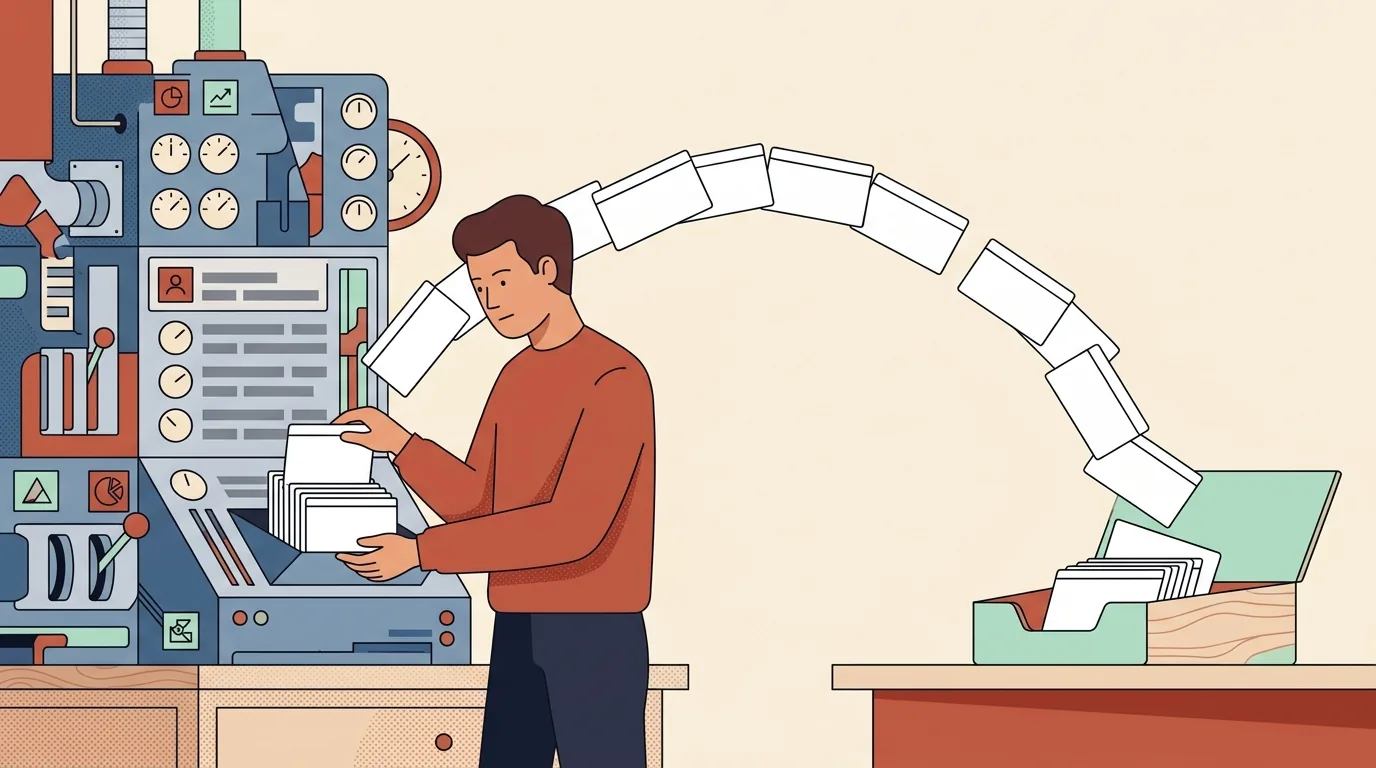
Before you pick a replacement, split the question in two. It depends whether your problem is the interface or the algorithm. If Anki feels like too much software for the job, if you opened the deck options screen once and closed the laptop, if you wanted to drill fifty Spanish words and instead found yourself reading about buried siblings, then a simpler tool fixes that in an afternoon and costs you almost nothing. If your problem is that the reviews themselves feel wrong, too many, too soon, piling up faster than you clear them, then switching apps is the wrong move, because nearly every simpler tool schedules worse than the one you are leaving. Those two people need opposite advice, and lists that rank nine apps for both of them are answering neither.
What follows separates the two cases, names the tools that are actually simpler with what each one costs and runs on, and then does the part almost nobody writes down: how to get your cards out of Anki, step by step, with the menu paths.
Why do people look for an Anki alternative?
Three reasons come up, and they are not equally fixable.
Setup friction. The clearest version of this I have read came from an older learner posting on Anki's own support forum. They wanted one thing: take a vocabulary list out of a spreadsheet and drill it in random order. What they met instead was decks and subdecks, note types, card templates, four answer buttons, and terminology like buried siblings. Their estimate was that ninety-eight percent of the program had nothing to do with what they needed. That is not a complaint about quality. It is a complaint about surface area.
Format lock-in. Once your material lives in a .apkg file, it feels like it belongs to Anki. People assume leaving means retyping everything. That assumption is wrong, and the section below shows why, but it keeps a lot of people in a tool they have stopped enjoying.
The scheduling settings. Anki's deck options screen carries roughly forty distinct settings across categories including daily limits, new cards, lapses, display order, burying, audio, timers, auto advance, easy days and advanced. It also offers FSRS, which the Anki manual describes as an alternative to the legacy SuperMemo 2 algorithm that works by "more accurately determining how much information you are likely to forget". FSRS is not on by default. You have to go and enable it. Its most important knob is desired retention, which defaults to 90 percent, and the manual is blunt that higher retention means shorter intervals and more reviews per day. All of that is genuinely powerful. It is also the exact screen that sends people to Google.
Which of those problems does switching actually fix?
Setup friction: yes, completely. If you want a card, a flip, and a next button, dozens of tools give you that, including a browser tab with no install at all. This is the case where switching is simply correct and you should stop reading comparison tables and go study.
Format lock-in: yes, but only in the direction people forget. Getting cards out of Anki is easy. Getting them into a new tool with their review history attached is not. Export first, then choose, rather than choosing and hoping the new tool has an importer.
Scheduling: no. This is the one people get backwards. If reviews are burying you, the fix is inside Anki, and it is usually one number. Lower the daily new card limit. Turn on FSRS and set desired retention lower than 90 percent if you are drowning, higher if you are forgetting too much. Moving to a simpler app does not remove the workload, it removes the accounting. You will still have the same number of facts to learn, you will just no longer have a program telling you when.
When should you stay on Anki?
Stay if any of these describe you.
You have thousands of cards and a dated exam. Board exams, bar exams, licensing tests, anything where a large deck has been accumulating for months. The review history in that collection is worth more than any interface improvement, and rebuilding it is not a weekend project.
You use cloze deletion, image occlusion, or add-ons. Those are Anki-specific and mostly do not have equivalents elsewhere.
You want it to be free and offline on the machines you own. Anki's desktop version is free on Windows, macOS and Linux, AnkiDroid on Android is free and community-developed, and AnkiWeb's synchronisation service is free for keeping cards in step across devices. The official iOS app, AnkiMobile, is a paid one-time purchase, and Anki's site says those purchases fund development for everyone else. That is a fair deal and worth saying out loud.
There is also a middle path that people miss. AnkiWeb in the browser is a much plainer review surface than the desktop app. If your objection is the desktop interface rather than Anki itself, adding cards on the desktop and reviewing in the browser removes most of the clutter without moving anything.
Anki is excellent software. It is free, it is open, it has been maintained for years, its manual is unusually good, and the scheduling research behind it is real. "Too complicated for me" is a legitimate reason to leave. "Bad" is not, and you should be suspicious of any list that implies it.
What are the genuinely simpler options?
Four worth knowing, described from what each one currently says about itself.
Mnemosyne. Free, and the closest thing to a plainer Anki. It runs on Windows, macOS and Linux, with an Android client on Google Play that does offline reviews and syncs with the desktop. It describes itself as both a flashcard tool and a memory research project, and it schedules reviews with its own algorithm rather than a fixed interval list. If you want spaced repetition without Anki's configuration depth, this is the honest first stop, and its scheduling is better than ours.
Mochi. Markdown-based cards with built-in dictionaries, text to speech and auto-translation, which makes it strong for language learning. It runs on macOS, Windows, Linux, iOS, Android and the web. The free tier is free permanently with offline use; Pro is 5 dollars a month and adds syncing across devices, deck publishing and AI features. Mochi beats us outright on cross-device sync, because we do not have any.
Knowt. Free, with web, iOS, Android and a Chrome extension, and it has a spaced repetition study mode. Its importer targets Quizlet rather than Anki, so it is the better landing spot if your material is split between the two. If you are weighing that side of the decision, we mapped the free tiers in free Quizlet alternatives.
QuestionCard. Ours, so here is the shape of it without the sales voice. Open a deck and play it in the browser with no account and no email. The flash card decks are free and complete, not samples: multiplication tables, US state capitals, 100 essential Spanish words, the first 36 elements and more. A small number of decks are marked premium, and those play the first five cards and then show an upgrade panel, which we would rather tell you here than at card six. The builder gives you one deck of up to twenty cards on the free tier. QuestionCard Plus is 3 dollars a month billed as 18 dollars every six months, or 59 dollars once for lifetime, and it removes the builder caps, opens the premium decks, adds print-friendly export and a custom deck colour and byline. What we do not have: spaced repetition scheduling, sync, or mobile apps. If you need those, one of the three above is a better answer than we are.
How do you export your cards without losing them?
Do this before you choose anything. It takes about ten minutes and it is reversible.
- Open Anki on the desktop. Export lives in the desktop application, not the mobile apps or AnkiWeb.
- Make a full-fidelity backup first. Open the File menu and choose Export, then pick the deck package format (
.apkg) with Include Scheduling Information ticked, plus Include Media if your cards use images or audio. Per the Anki manual's exporting page, a deck package covers a single deck and its child decks. Save this file somewhere you will find it. It is your undo button. - Now export the plain-text version. File then Export again, this time choosing Notes in Plain Text. The manual is precise about what this does: Anki "will write the contents of the notes into a text file. Each field is separated by a tab."
- Know what this format drops. Notes in Plain Text carries the note contents only. It does not carry scheduling information and it does not carry media. That is the whole trade, and it is the one everybody worries about for the wrong reason.
- Open the
.txtin a spreadsheet as a tab-delimited file. Column one is your first field, usually the front. Column two is usually the back. Anki's text file documentation covers the import side of the same format and notes that files must be UTF-8, and that Anki treats the first field as the note's identity. - Clean the HTML. Formatting is exported with the HTML embedded so that the file can be re-imported without losing bold and italics. If you are moving to a plainer tool, strip those tags in your spreadsheet with a find and replace before you go further.
- Rebuild the deck in the new tool. In our builder, you add cards with a front and back field, up to 500 characters a side, pasting each pair across from your spreadsheet. Free tier holds one deck of twenty cards, so a large export needs Plus or needs trimming. Everything you build stays in your own browser's local storage. We do not have a server copy of your deck, because we do not store one.
- Keep your own backup going forward. Our builder exports any deck as a JSON file you download, and imports a JSON file back, which is your portable copy. Note the honest limit: it reads its own JSON format, not
.txtor.apkg. Step seven is a paste job, not a one-click import, and pretending otherwise would waste your afternoon.
If you still want the cards to live in Anki afterwards, that same plain-text file imports straight back. Nothing about exporting is destructive.
What do you give up when you leave a scheduling algorithm behind?
You give up one thing, and it is worth naming clearly: the history. Every card in a mature Anki collection carries a record of how often you got it right, how long the current interval is, and how difficult the algorithm thinks it is for you specifically. FSRS parameters are trained on exactly that record. None of it survives a plain-text export, and no importer can reconstruct it.
What you keep is the part that took the work: the cards. Writing good prompts is the slow, thoughtful half of flashcard study, and a tab-separated file preserves every one of them. Our guide on making flash cards that stick is about that half, and it is the half worth protecting.
You can also replace a scheduler manually, and for a deck of a few hundred cards the manual version is closer than people expect. The core mechanic is not proprietary. UNC's Learning Center puts the principle plainly for students: spacing study across several short periods over days and weeks means you "learn the information more deeply and retain much more for the long term", and flashcards reviewed periodically through the day beat one long memorisation session. That is the entire idea a scheduling algorithm automates. Sorting cards into a few boxes by how well you know them and reviewing the boxes on different days gets you most of the benefit, which is what the Leitner system is, and we sketched a workable rhythm in our spaced repetition schedule. If you want the underlying reasoning first, start with how to study with flash cards.
The realistic summary: leaving a scheduler costs you optimisation, not memory. You will do slightly more reviews than a tuned algorithm would have assigned. For a hundred vocabulary words, that is a rounding error. For eight thousand cards and a board exam, it is not, which is why the earlier section says stay.
Frequently asked questions
Is there a simpler alternative to Anki?
Yes, several, and the right one depends on what you want back. Mnemosyne is the closest simpler tool that still schedules reviews for you, free on Windows, macOS and Linux with an Android client. Mochi is simpler and syncs across devices, free to start with a 5 dollar a month Pro tier. If you want the simplest possible version, a browser deck with no install and no account, that is what we built: pick a deck from the flash card hub and start.
Can you export Anki decks to another app?
Yes. Anki exports a deck package (.apkg) for full fidelity and a Notes in Plain Text file for portability. The plain-text file is tab-separated and opens in any spreadsheet, so your cards can go anywhere, including tools that have never heard of Anki. Whether the destination app imports that file automatically or needs you to paste the columns in is the thing to check before you commit.
Do you lose your review history when you switch?
Yes, in practice. Scheduling information travels inside Anki's own .apkg format, and other applications do not read it. A plain-text export explicitly excludes it. If your review history is valuable enough to grieve, that is a strong signal you should stay on Anki rather than move.
Is Anki still worth learning in 2026?
For a large, long-horizon workload, yes, without hesitation. It is free on desktop and Android, it is actively maintained, its manual is thorough, and FSRS gives it scheduling that few tools match. The learning curve is real but it is front-loaded, and defaults work fine if you ignore the settings you do not need. For a fifty-word vocabulary list or a quiz next Thursday, learning it is more work than the task deserves.
Ready to move? Export your cards to plain text, then open the builder, paste them in, and play the deck immediately. It lives in your browser, exports and imports as JSON both ways, and needs no account. If you would rather just study something today, the free decks are one click away.